Get Started
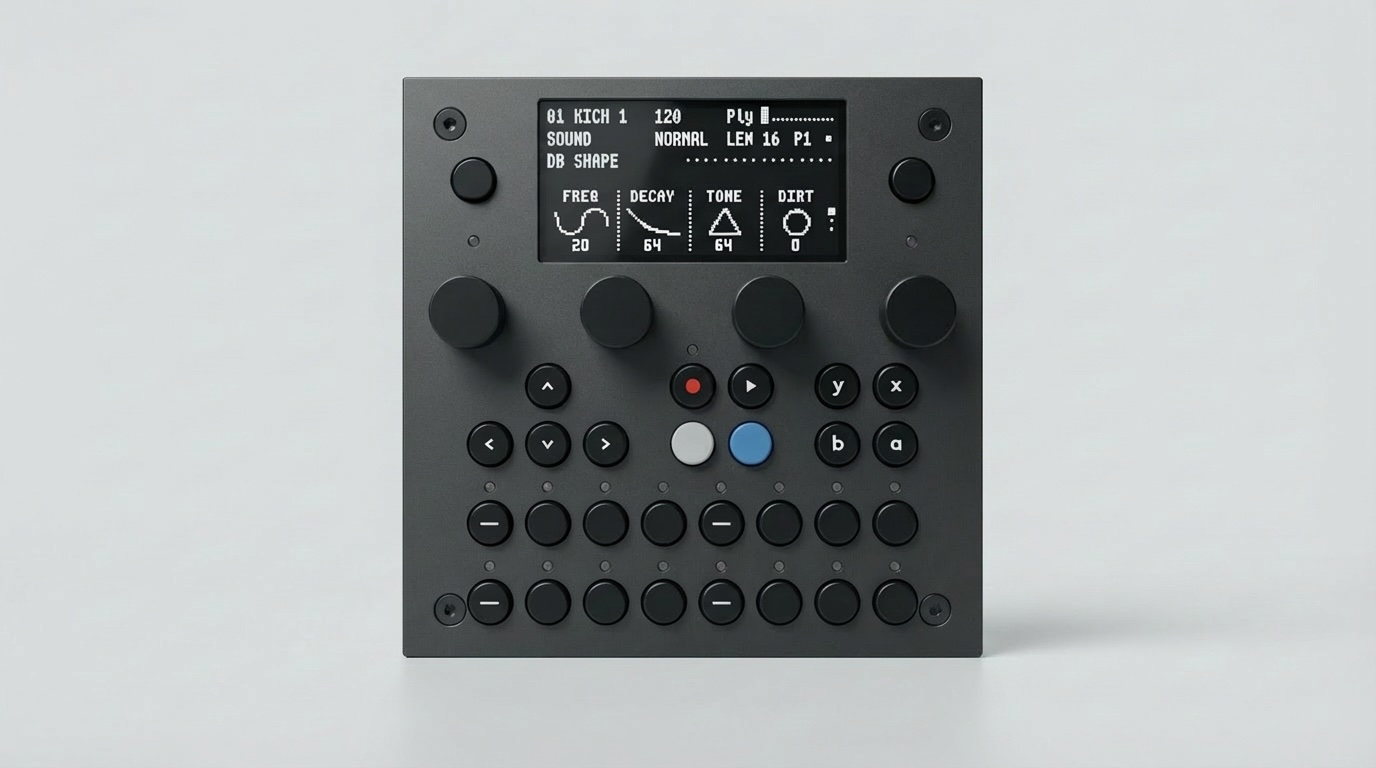
Your TBD-16 ships ready to use — just plug in power and make music.
1. Plug In & Play
Connect a USB-C cable to port #1 or #2 on the back (any USB-C power source: laptop, wall adapter, power bank).
Connect speakers or headphones to the audio jacks (TRS 3.5 mm).
The TBD-16 boots in seconds into the Groovebox / Drum Machine with 16 tracks — start pressing buttons and turning knobs.
No computer, no WiFi, no software installation needed.
Using Your TBD-16 — full walkthrough of the hardware interface, firmware modes, and MIDI.
2. Connect WiFi (Optional)
The TBD-16 creates its own WiFi network out of the box:
SSID:
ctag-tbd(no password)Open a browser →
http://ctag-tbd.localManage presets, browse plugins, configure settings
WiFi also enables Ableton Link — wireless tempo sync with Ableton Live, iOS apps, and any Link-enabled device on the same network.
WiFi & Ableton Link — setup, network modes, and Link details.
3. Storage & Samples
The TBD-16 has two SD card slots. The main SD card (P4) stores configuration, the web UI, and audio samples. You can add your own samples via USB or by removing the card.
Storage & Samples — file layout, sample format (44.1 kHz 16-bit mono), and bank management.